

- Artificial Intelligence
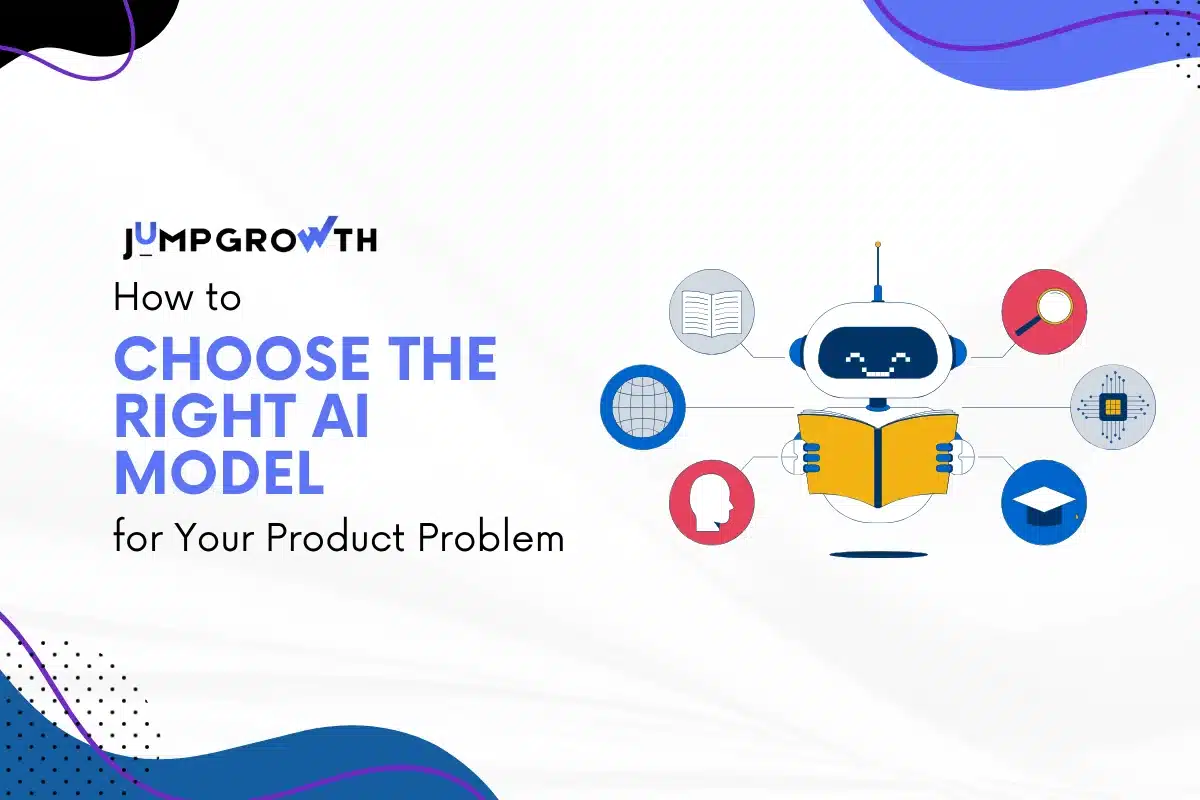
How to Choose the Right AI Model for Your Product Problem
- Written by
- Hemant Madaan
- Published
- 1 October 2025
- Reading time
- 8 minutes
Step 1: Pin Down Your Problem Like A Pro
First things first: What’s the actual problem you’re tackling? Are you predicting user churn for your SaaS app? Spotting flaws on a factory line? At JumpGrowth, we’ve seen teams dive headfirst into model shopping without nailing this down, and it’s like building a house on quicksand messy. Get specific. What’s your input data text, images, numbers? What’s the output you want from your model? For example, if you’re running an e-commerce platform and want better product recommendations. Your problem might be: “Personalize suggestions based on user clicks and purchases.” Clarity here is your North Star. Skip it, and you’re basically tossing darts in the dark. Fun, but you’ll miss the mark. Quick story: At JumpGrowth, we once get a client who is dead set on fancy image recognition for their app. And when we evaluate their needs, we realize he is just spending unnecessary money on his current model. We built a simple text-based model that is doing the job faster and cheaper. Saved them a bundle.Step 2: Spell Out What You Need
Next up, jot down what your AI model for product must handle. Data types? Speed or accuracy? Budget limits? Can it scale as your user base grows? For instance, if you are in an industry where you need real-time customer support chats, you should use a model that’s quick not the one that gets lag. All these things decide whether your business succeeds or breaks.Step 3: Scout the AI Model Landscape
Now, let’s go window shopping. Check out popular models and match them to your problem. Think generative models like GPT for whipping up content, BERT for cracking tough language puzzles, or YOLO for spotting objects in videos. We’ve leaned on these in JumpGrowth projects. For a health tech client, BERT was a rockstar at digging insights from patient reviews, it gets context like nobody’s business. Meanwhile. YOLO is the best option for retail apps that requires tracking shelf inventory in real time.Step 4: Stack Models Head-to-Head
Here is a side-by-side comparison of three top models so you can have a better idea. Below’s an AI model comparison table with three big players: GPT, BERT, and YOLO. I kept it straightforward for busy folks like you.| Model | Type | Key Use Cases | Strengths | Weaknesses | Best for Business Problem |
|---|---|---|---|---|---|
| GPT (e.g., GPT-4) | Generative Language | Chatbots, content creation, summaries | Cranks out creative text, tackles complex queries, easy to tweak | Pricey compute, can spit out nonsense, needs tons of data | AI model for product features like personalized emails or virtual assistants in customer apps |
| BERT | NLP Understanding | Sentiment analysis, search tweaks, Q&A | Masters’ context, super accurate for text | Slow for real-time, training’s a beast | Best AI model for business problems like user feedback analysis or internal search for mid-sized teams |
| YOLO (e.g., YOLOv8) | Computer Vision | Object detection, video monitoring | Blazing fast, real-time ready, lightweight | Struggles in cluttered scenes, needs labeled images | AI model for product development in inventory tracking or quality checks in manufacturing |
Step 5: Test It Out for Real
Don’t just trust the hype, try the model yourself. Build a small test version using your own data, like a trial run before the big game. Check how it performs: Is it accurate? Fast enough? Affordable per use? Use tools like Hugging Face to make testing easy, no need for a huge tech team yet. Keep testing your model in different environments. You can also launch it for a small group and gather feedback from them.Step 6: Plan for the Long Haul
Last up, think about how this AI model for product slots into your tech stack. Does it mesh with your cloud setup or database? What about scaling as your app grows? We’ve coached clients to plan for model updates some, like GPT, get regular glow-ups, while others gather dust.Your Go-To Decision Checklist
Here’s a no-nonsense checklist to nail your AI model selection. Stick it on your desk or pin it digitally, we’ve used a version of this in client calls.- Got a clear problem statement and goal?
- Listed must-haves like data type and budget?
- Scoped out 3-5 models with solid AI model use cases?
- Compared pros and cons in a table or notes?
- Ran a POC with your data?
- Mapped out integration, costs, and scale-up?
- Got a fallback if your top pick flops?
How the Right AI Model Can Boost Your Business
Alright, let’s talk payoff. Picking the right AI model isn’t just about avoiding flops, it’s a ticket to serious business wins. The right model can juice up your product’s performance, delight users, and even cut costs. Below is how choosing the right AI model can boost your business:- Right model = big wins: Boosts product performance, delights users, cuts costs.
- E-commerce example: GPT model for recommendations spiked conversions 30% for a JumpGrowth client; real revenue.
- Manufacturing win: YOLO caught defects early, slashed waste 15%, saved thousands monthly.
- Streamlines operations: Automates tasks like support, freeing your team for big ideas.
- Builds trust: Smart, intuitive products make users love you, giving a competitive edge.
Wrapping It Up
Honestly, when you are picking an AI model for your product it should align with your needs, it doesn’t need to feel like high stakes bet. With these steps, you’re armed to make a smart call. At JumpGrowth, we’ve guided companies like yours to AI wins time and again. Curious to dig deeper? Check out us AI/ML development services for tailored support. Better yet, shoot us a message- let’s chat about your project and nail that AI model selection. Your product’s big moment is waiting.FAQs
01How do I make sure the AI model scales with my product?
Scalability’s about picking a model that grows with you. Go for ones with cloud-friendly setups or distributed training. We’ve scaled GPT-based chatbots from 1K to 100K users by optimizing inference. Test heavy loads early and budget for computing better now than a costly redo.
02What’s the deal with costs for an AI model for product development?
Costs depend: Open source like BERT is free but needs heavy training; paid models like GPT bill per call. Don’t forget to dev time. We’ve cut client costs 30% by fine-tuning lean models. Start small, track usage, and pivot if it spikes hidden fees are sneaky.
03Do I need a ton of training data for a great model?
Not always. Pre-trained models like YOLO shine with less if you fine-tune smart. Quality beats quantity; bad data, bad results. We’ve used transfer learning to cut data needs by 90% in projects. Check your data for bias and augment if you’re short.
04How long does it take to plug an AI model into my product?
Simple setups like NLP can take weeks; vision tasks, months. Plan for tweaks. We’ve streamlined this to 4-6 weeks for mid-sized teams using APIs. Test thoroughly and mind compliance; rushing breeds bugs. A partner can help if you’re stretched thin.
05What if my model starts making stuff up?
Generative models like GPT can “hallucinate.” Use grounding techniques or human checks. We cut errors 50% with oversight loops in one project. Monitor post-launch and retrain; it’s not a one-and-done deal. Keep tweaking for accuracy.
06Open-source or proprietary – which is better for my business?
Depends on your team. Open source gives flexibility but needs maintenance; proprietary is quick with support. We’ve mixed them: open for core, paid for speed. If your mid-sized crew lacks AI expertise, start proprietary to move fast.
Keep reading
- Artificial Intelligence

AI Engineers' Consulting Rates in 2026: What You're Really Paying For and How to Benchmark Fairly
11 minutes readRead article - Artificial Intelligence

AI App Development Cost in 2026: Full Breakdown by Feature Set, Stack, and Team Model
11 minutes readRead article - Artificial Intelligence

Manufacturing AI Software in 2026: Use Cases, ROI Data, and How to Choose the Right Development Partner
11 minutes readRead article
Build your team
Share where the roadmap is blocked and the capabilities you need. We’ll map a practical team and delivery model.
Comments
Be the first to comment.